
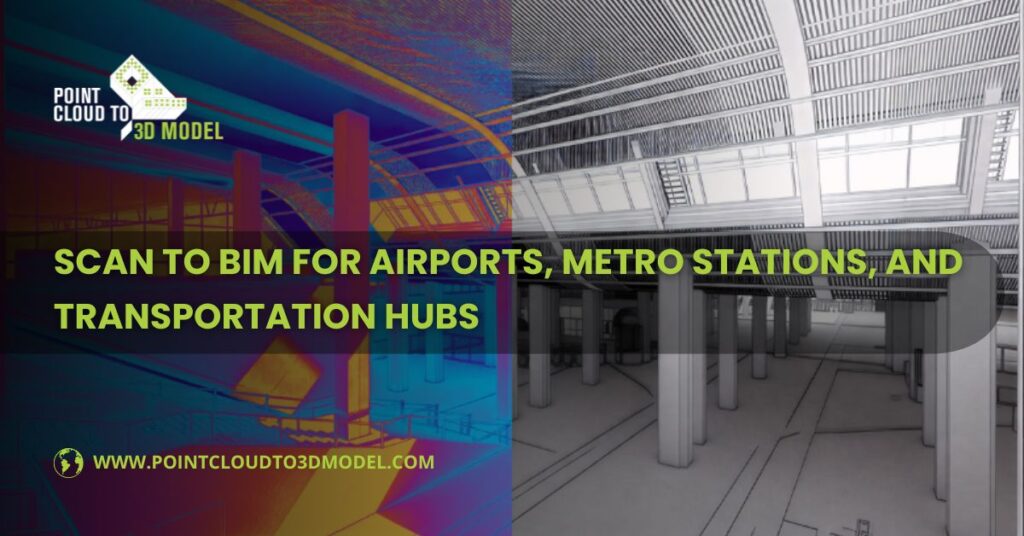
Scan to BIM for Airports, Metro Stations, and Transportation Hubs
If you’ve ever worked inside an active airport or a metro station, you already know the rule: the building never really belongs to the project team. It belongs to the public.
Passengers keep moving. Trains keep running. Security systems stay live. And somewhere in the middle of all that, design and construction teams are expected to upgrade, expand, or fix parts of the facility without breaking anything that matters.
That’s usually the moment when old drawings stop being helpful.
Across the USA and the UK, many transportation facilities were built in phases. A terminal gets an extension. A platform gets rerouted. A plant room gets squeezed into a space that was never meant for it. Over time, the paper trail falls behind the physical building.
This is where Scan to BIM Services becomes less of a “technology choice” and more of a practical response to a messy reality.
What Scan to BIM Means on a Live Transportation Project
In simple terms, Scan to BIM is about taking what exists in the real world and turning it into something the project team can actually work with.
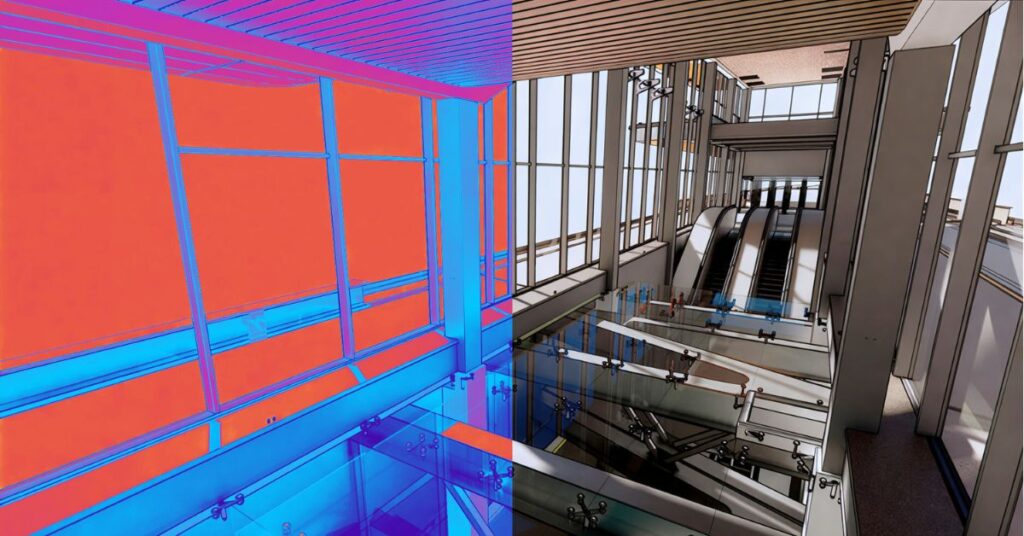
Laser scanners are brought into the facility — sometimes during night shifts, sometimes in controlled zones during low-traffic hours. They capture surfaces, edges, and systems as millions of points in space. Walls, floors, beams, pipes, ducts, cable trays, signage, even bits of equipment that no one remembered were there.
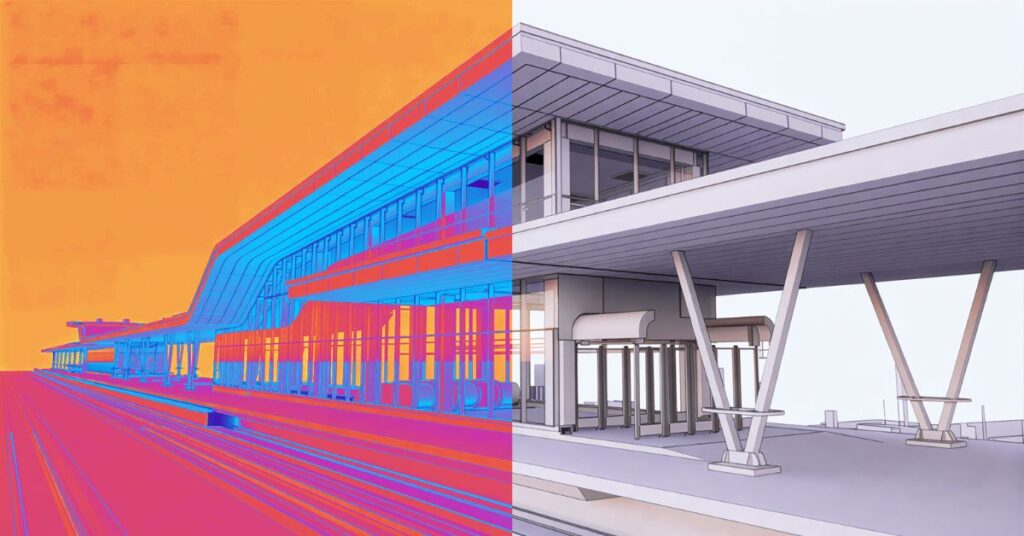
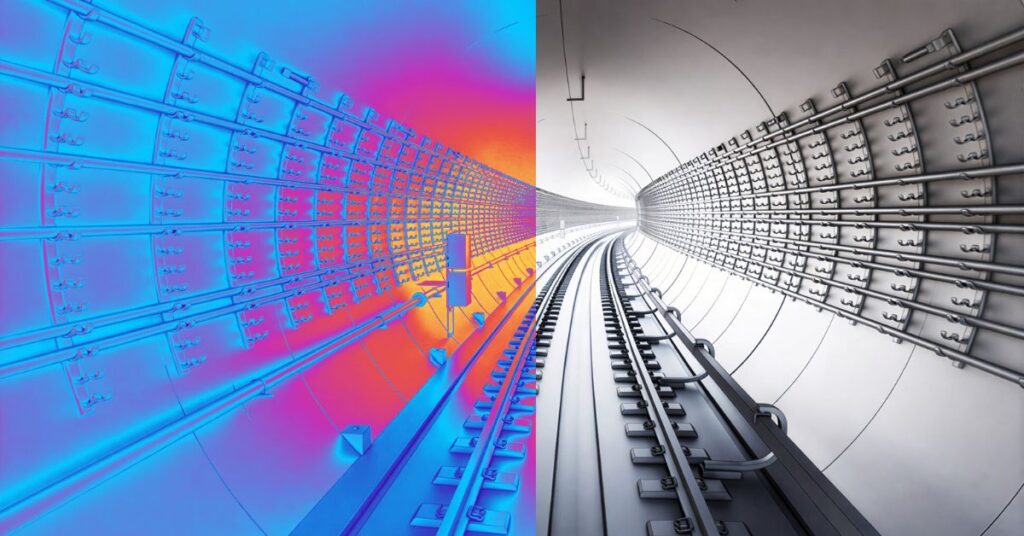
That raw data becomes a point cloud. On its own, it’s impressive to look at, but it’s not very practical.
The real work starts when that point cloud is turned into a BIM model, usually in Revit. Now those points become walls you can measure, ducts you can route around, and structural elements you can coordinate against. The building starts to behave like a model instead of a photograph.
For transportation hubs, that shift is critical. These aren’t places where you can afford to “discover” a conflict during construction.
Why Airports and Metro Stations Are a Different Kind of Challenge
Most commercial buildings give you some room to breathe. If something is off, you can often adjust on site.
Airports and metro stations don’t offer that flexibility.
They Don’t Shut Down for Projects
Even major upgrades often happen in phases. One concourse stays open while another is under construction. One platform runs while work happens behind temporary barriers. That limits what you can access and when.
Scanning becomes one of the few ways to capture reliable information without tearing into walls or ceilings just to see what’s behind them
Systems Are Packed Tightly Together
These facilities carry far more MEP systems than most buildings. Ventilation for smoke control, power for signaling, communications for operations, fire systems for public safety — all layered into tight service zones.
If those systems aren’t modeled together, coordination becomes guesswork
Records Are Often Incomplete
It’s not unusual to find a drawing set from the 1990s that doesn’t reflect a renovation done five years ago. Or a PDF that shows a wall that no longer exists.
Scan to BIM helps reset the baseline
How the Workflow Usually Unfolds
Getting the Scan Without Causing Problems
On transportation projects, scanning isn’t just a technical task. It’s a logistical one.
Teams work around security, operations, and maintenance schedules. Some areas can only be accessed for a few hours at night. Others need escorts. The scanning plan often matters as much as the scanning itself.
Overlapping scan positions are used to make sure nothing critical gets missed, especially in plant rooms, shafts, and ceiling voids.
Turning Points into a Model People Can Use
Once the data is registered and cleaned, modeling begins.
This is where experience shows. Not every surface in a point cloud needs to become a modeled object. The focus is usually on what will affect design and construction decisions.
Architectural layouts, major structural elements, and dense MEP zones get the most attention. Decorative or secondary features are often simplified to keep the model manageable.
The result isn’t just a “3D file.” It’s a working reference that consultants, contractors, and facility teams can actually rely on.
Deciding How Much Detail Is Enough
Not every part of an airport or station needs the same level of detail.
A public concourse being renovated might need a fairly detailed architectural and MEP model. A remote service corridor might only need basic geometry for coordination.
Most teams work across a mix of LOD levels, depending on risk and scope. That balance keeps file sizes reasonable and effort focused where it matters most.
Where Scan to BIM Makes the Biggest Difference
Renovation and Expansion Planning
When you’re adding a new wing to a terminal or upgrading an underground station, the hardest part is often understanding how the existing structure and systems will react.
A scan-based model lets teams test ideas digitally before touching the building. That reduces surprises once construction starts
MEP Coordination in Tight Spaces
This is where MEP BIM modeling services really earn their keep.
Instead of separate 2D drawings for ducts, pipes, and cables, everything sits in one model. Clearances can be checked. Access for maintenance can be reviewed. Conflicts can be resolved in a meeting instead of on a ladder.
Operations and Maintenance
Once a project is finished, the model doesn’t have to disappear.
Many facility teams use Scan to BIM models as a reference for locating equipment, planning shutdowns, and preparing for future upgrades. It becomes a living record instead of another archived drawing set
How 2D Services Still Fit Into a 3D Workflow
Even on highly digital projects, 2D drawings haven’t gone away.
Scan to CAD
Some approvals, contractor workflows, and internal reviews still rely on plans and sections. Scan to CAD services turn point cloud data into accurate 2D drawings that fit those processes.
PDF to CAD
Transportation facilities often have decades of records locked in PDFs. Converting those into editable CAD files helps align old documentation with new BIM models instead of starting from scratch.
The Problems That Don’t Show Up in the Software
Large transportation projects bring challenges that aren’t solved by better tools alone
Data Size
Point clouds and BIM models for terminals and stations can get heavy fast. Teams often split models into zones or systems to keep them usable
Access and Safety
Some areas can’t be scanned or verified easily. In those cases, experienced teams document assumptions clearly instead of pretending the data is perfect.
Timelines
Projects are often tied to public schedules, funding cycles, or regulatory deadlines. Phased modeling and early partial deliveries help design teams move forward without waiting for a “complete” model
Why Experience Still Matters More Than Software
You can give two teams the same scan data and get very different results.
One will produce a model that looks impressive but is hard to use. The other will produce a model that answers questions.
The difference usually comes down to understanding how these facilities actually work — how systems are maintained, how spaces are accessed, and where things tend to go wrong during construction.
That knowledge shapes what gets modeled, how it’s organized, and how reliable it becomes in real project meetings
Conclusion
For airports, metro stations, and major transportation hubs, Scan to BIM isn’t about creating a perfect digital twin. It’s about reducing uncertainty in places where mistakes are expensive and disruptions are public.
By combining scan-based models with MEP BIM coordination, Scan to CAD, and PDF to CAD conversion, project teams create a shared reference that supports design, construction, and long-term operations.
In buildings that never really sleep, having a clear, current picture of what exists often becomes the quiet advantage that keeps projects moving instead of reacting