
What Is Included in Professional Scan-to-CAD Deliverables?
Introduction
If you’ve ever opened a point cloud for the first time, you probably had two reactions. First, it’s impressive. Second, it’s not something you can design from.
That’s really where Scan-to-CAD fits in. It takes dense scan data, millions of points showing surfaces, edges, and objects and turns it into drawings that architects, engineers, and contractors can actually use day to day.
In real projects, deliverables matter more than the scanning itself. The scan is just the capture step. The CAD output is what teams rely on when layouts are being developed, systems are being routed, or construction decisions are being made.
You’ll usually see these deliverables used across multiple roles. Architects use them for renovation design. Engineers depend on them for coordination. Contractors use them to plan installation. Facility teams often end up using them long after construction is finished.
What makes professional Scan-to-CAD deliverables valuable isn’t just that they exist. It’s that they’re accurate, structured properly, and usable in real workflows not just technically correct on paper.
What Are Scan-to-CAD Deliverables?
At a practical level, Scan-to-CAD deliverables are the working drawings created from point cloud data.
A point cloud is great for reference, but it’s heavy and difficult to navigate unless you’re used to working with scan software. CAD drawings simplify that data into something readable and editable.
The difference is similar to looking at a raw site photo versus a construction drawing. One shows everything. The other shows what matters for decision making.
Most teams don’t need raw scan data once documentation starts. They need files they can measure, layer, edit, and coordinate against.
Core Components You Usually Receive
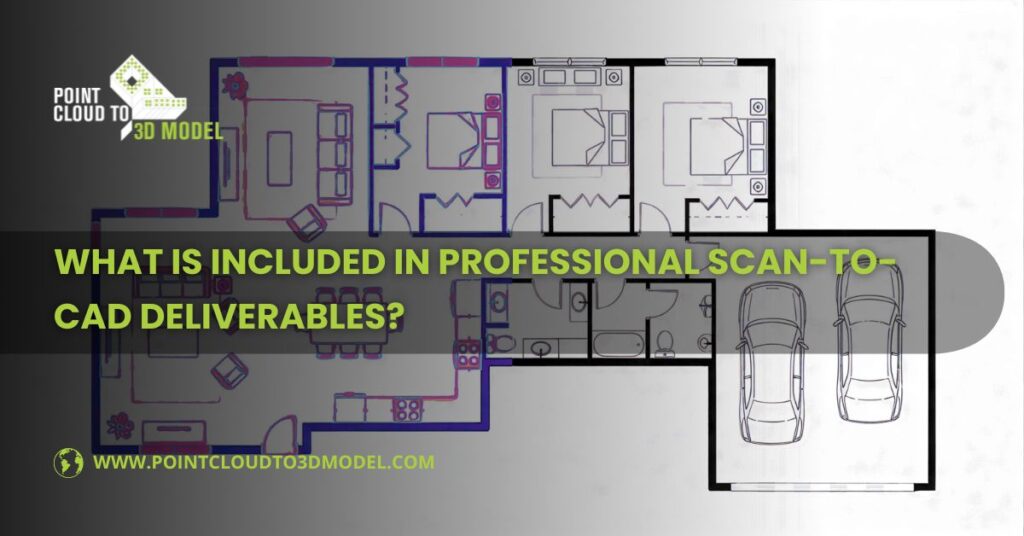
2D CAD Drawings
- Most professional Scan-to-CAD projects deliver a combination of:
- Floor plans
- Sections
- Elevations
- Reflected ceiling plans (when required)
- Site or context drawings (depending on scope)
The key difference between professional drafting and basic tracing is structure. Layers are organized. Line weights follow standards. Text is readable and editable.
If another consultant opens the file, it should feel like a native CAD drawing not something reverse-engineered from an image.
As-Built Documentation
This is often the main reason Scan-to-CAD is used in the first place.
As-built drawings reflect what is physically present on site today. Not what was originally designed. Not what an old PDF shows. What actually exists.
This becomes critical for:
• Renovation projects
• Retrofit system upgrades
• Building extensions
• Long-term facility planning
In older buildings, this alone can remove a lot of guesswork
File Formats You’ll Typically Receive
Most projects are delivered in:
- DWG format (primary working format)
- DXF format (if cross-platform compatibility is needed)
Sometimes additional formats are included depending on project goals, such as Revit reference files or IFC exports for coordination workflows.
Good providers also include structured naming, revision control, and issue tracking, especially important on projects that evolve over time
What “Accuracy” Actually Means
Accuracy in Scan-to-CAD isn’t about perfection down to microscopic levels. It’s about meeting agreed project tolerances.
You might see:
• ±5mm in detailed interior environments
• ±10mm in general building documentation
• Wider ranges in large infrastructure scanning
The right level depends on how the drawings will be used. High-precision coordination requires tighter tolerance. Early planning usually doesn’t.
Level of Detail and Why It Matters
Not every project needs the same amount of detail. Higher detail means:
- More modeling time
- Larger files
- Higher cost
But it can also mean better coordination in complex service zones. Good teams match the level of detail to the actual use case, rather than modeling everything just because it exists in the scan.
Layering, Annotation, and Drafting Structure
This part often gets overlooked, but it makes a huge difference once drawings start moving between teams. Professional deliverables usually include:
- Clear layer naming
- Consistent line weights
- Proper dimension styles
- Title blocks and sheet formatting
If drafting standards are wrong, teams spend hours fixing drawings before they can even use them.
Quality Control- Where Reliability Comes From
Good Scan-to-CAD workflows include multiple checks, not just a final review. These often include:
Comparing CAD geometry back to point cloud reference
- Checking key dimensions against known measurements
- Reviewing across plan, section, and elevation views
- Internal peer review before issue
Most projects also include client review rounds so markups can be addressed before final delivery.
Who Usually Uses These Deliverables
- Architects use them for renovation and layout planning.
- Engineers use them for system coordination and routing.
- Contractors use them for construction planning and logistics.
- Facility teams use them for maintenance and long-term documentation.
The same drawing often lives across multiple project phases.
Final Thoughts
Professional Scan-to-CAD deliverables should do one thing above all else: reduce uncertainty. When done well, they give project teams a reliable starting point—whether that means converting legacy drawings from PDF to CAD or building accurate models through Scan to BIM. That reduces design assumptions, improves coordination, and makes downstream modeling and construction planning more predictable.
In existing buildings especially, having accurate base documentation often sets the tone for the entire project. And in most cases, that’s where the real value shows up—not in the drawings themselves, but in how much smoother everything else runs because of them.